Superfast Broadband Phone Sockets
Superfast Broadband (FTTC) setups vary between homes, and many customers do not need an engineer visit. This guide explains how to identify your phone sockets and connect your router correctly.
Phone Sockets Explained
Most homes have several phone sockets, but only one is the master socket. This is the main connection point for your broadband and should always be used where possible.
Using the master socket:
- Provides the strongest signal
- Reduces interference
- Improves speed and stability
Common locations for the master socket:
- Hallway
- Near the front door
- Under or beside front or back windows
Extension Sockets
Extension sockets:
- Are wired from the master socket
- Usually have a single port
- Can reduce broadband performance
If all sockets look the same:
- The master socket is usually the one closest to where the phone line enters the property
Master Sockets – Single Port
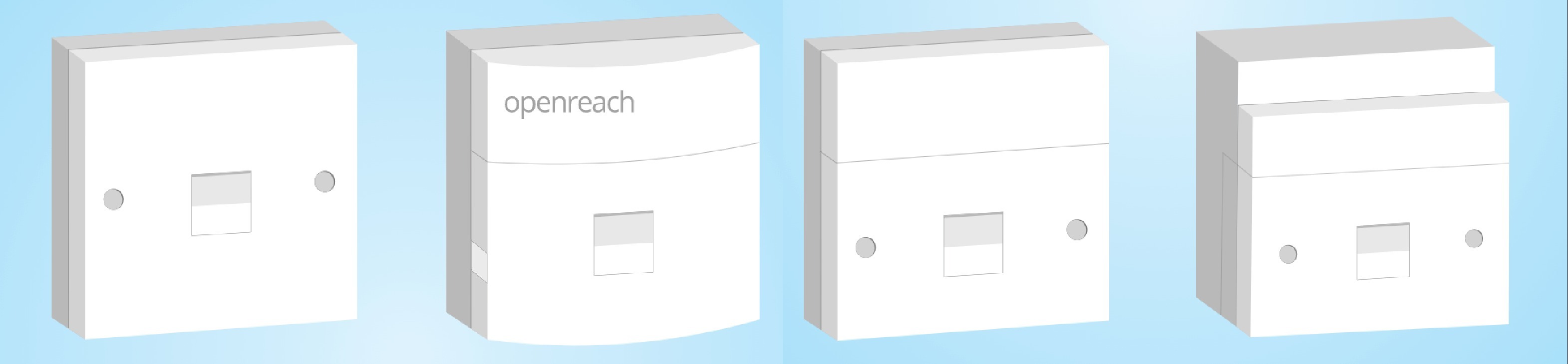
Older master sockets may:
- Look the same as extension sockets, or
- Have a single port with a removable faceplate
If your master socket has one port, or if you are using an extension socket:
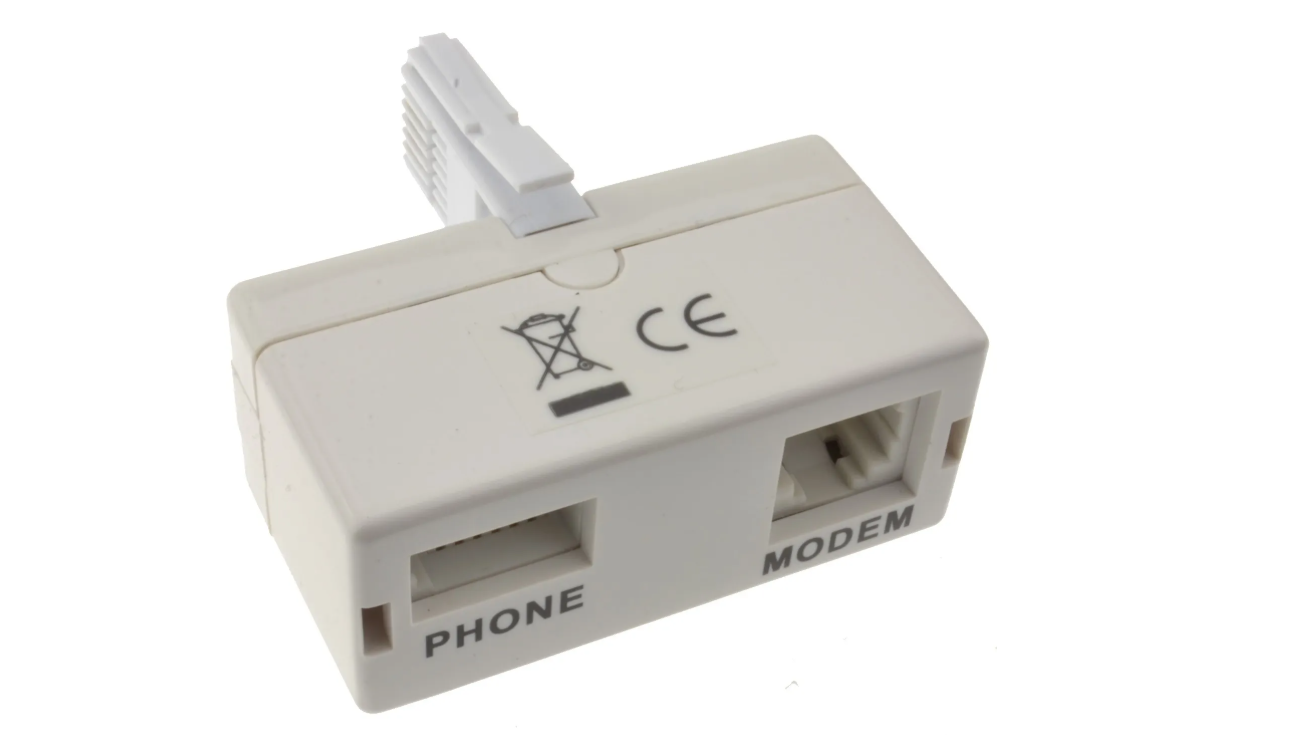
- A microfilter is required
How to connect:
- Plug the microfilter into the phone socket
- Plug your router’s cable into the DSL port on the microfilter
A microfilter is supplied with your Vfast router.
Master Sockets – Dual Port
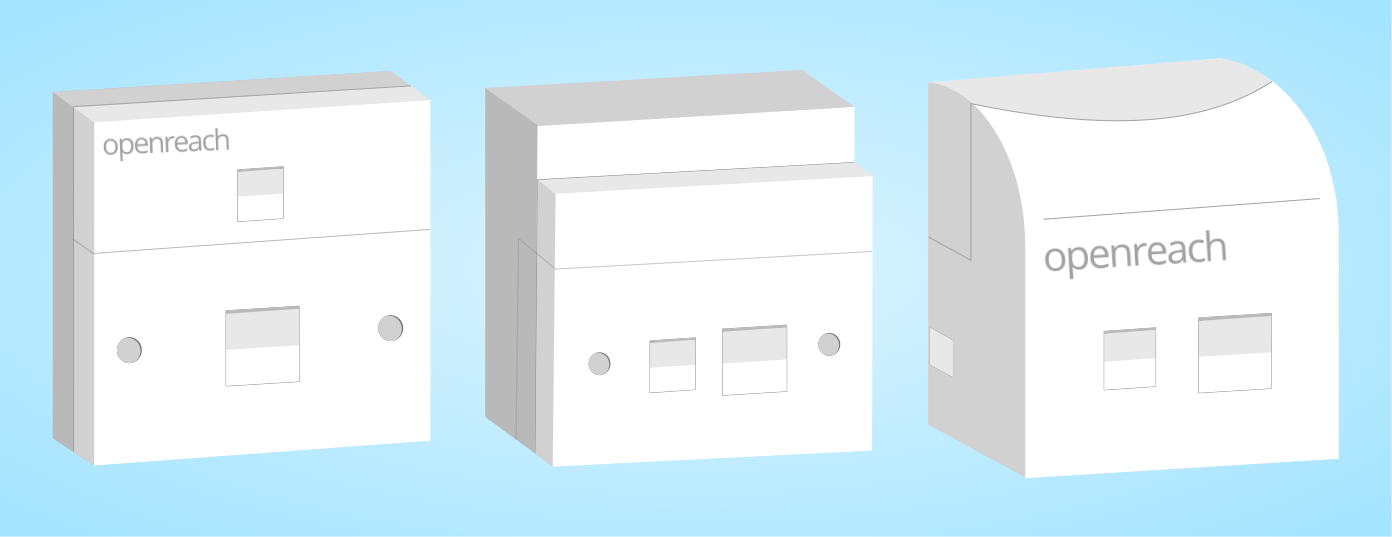
Newer master sockets have a built-in microfilter and two ports:
- Phone
- DSL
If your socket has two ports:
- Do not use a separate microfilter
- Connect a DSL cable directly from the DSL port on the socket to the DSL port on your router or modem
- Plugging into the Phone port will not work
Was this article helpful?
That’s Great!
Thank you for your feedback
Sorry! We couldn't be helpful
Thank you for your feedback
Feedback sent
We appreciate your effort and will try to fix the article